Multi-Shot & boards
Where Brut stops being a one-image-at-a-time tool. Multi-Shot explores a scene from many angles at once; the boards are the surfaces where you review, curate and route the results.
Every board shares one review gesture: hover a tile and click its 🔍 to open the lightbox — the image fitted to your screen, wheel-zoom into the pixels, and ←/→ (or the on-screen arrows) paging through the whole board like a classical gallery. Clicking the image itself does nothing (no accidental tabs while panning the canvas); the full-resolution files live in the project's output folder.
Multi-Shot
A POV/composition explorer. Wire your base image(s) into a Multi-Shot node, pick an exploration scenario and a shot count, and a planner (Gemini by default) writes N distinct shot prompts from your base images. Then N image-to-image jobs fill a contact sheet on a resizable node, several render at once.
The contact sheet uses a tidy, fixed column count from the shot count (≤4 → 2×2, ≤9 → 3-wide, else 4-wide), so it stays neat at any node size. The node's corner grip sets its width only: the height always follows the content — the Notes box (eight lines minimum, drag its own corner for more), the controls and the sheet's rows of squares — so the tiles are never squashed. The eye button beside New shot list folds the sheet away (the shots are kept, the node shrinks to its controls; the Shot Board is the place to review them large).
V2 — the surprise machinery
New Multi-Shot nodes plan with V2; a small V1/V2 rollout next to the title switches generations (graphs made before V2 keep V1). V2 keeps your sheets from repeating the same ideas job after job — the same prop, the same weather trick:
- The card deck. Every plan draws a hand of ingredients from the scenario's pools (a light register, a life event, a prop domain, …) for the set to use. The hand is shown as chips on the node before you ever run — visible surprise — and the little 🎲 beside the chips redraws it without starting a run.
- Pick your hand. Random is the default, but the ✎ beside the chips opens the picker: one row per pool, each set to random or a card of your choice. Pinned cards always ride the hand (shown as accent chips; wild cards are pickable at any dial level), the Surprise dial fills the remaining slots randomly, and 🎲 redraws only those. Pin everything — or pin on Classic, which draws nothing on its own — and the hand is fully yours. Picks belong to their scenario's deck, so switching scenario clears them.
- The Surprise dial. Classic (no cards: the scenario's brief alone) · Fresh (the default hand) · Crazy (a bigger hand including each pool's wild cards, plus a push toward the never-published).
- Avoid recent motifs (off by default). Brut remembers the distinctive ideas of your recent plans, per scenario and across all projects. Tick the box and new plans steer away from them — the direct cure for "the same idea on every job". The memory ages out, so retired classics eventually return.
Nothing is rendered until the shot list is valid: a planner reply that can't be read stops the run with a clear message before any image is paid for. Planning calls cost cents.
Shot Board
The review surface for a Multi-Shot node. Wire the Multi-Shot shots output into a Shot Board and get a large captioned grid — the prompt under each image, ✓ / ✗ / ↻ act on the Multi-Shot node. Each tile has its own output plug so you can route one chosen shot into Compose or Image→Video. The board re-emits the curated pool from its bottom port. Tiles show each shot at its real aspect (a 9:16 batch is a column of portrait frames, never a 4:3 crop); the Multi-Shot node's own compact sheet stays square thumbnails — the board is where you judge the actual frame.
Makes the crew's stills pool visible. Every image you wire in becomes a numbered tile — and the tile number is the global still number the cinema agents refer to, which kills the invisible wire-order problem.
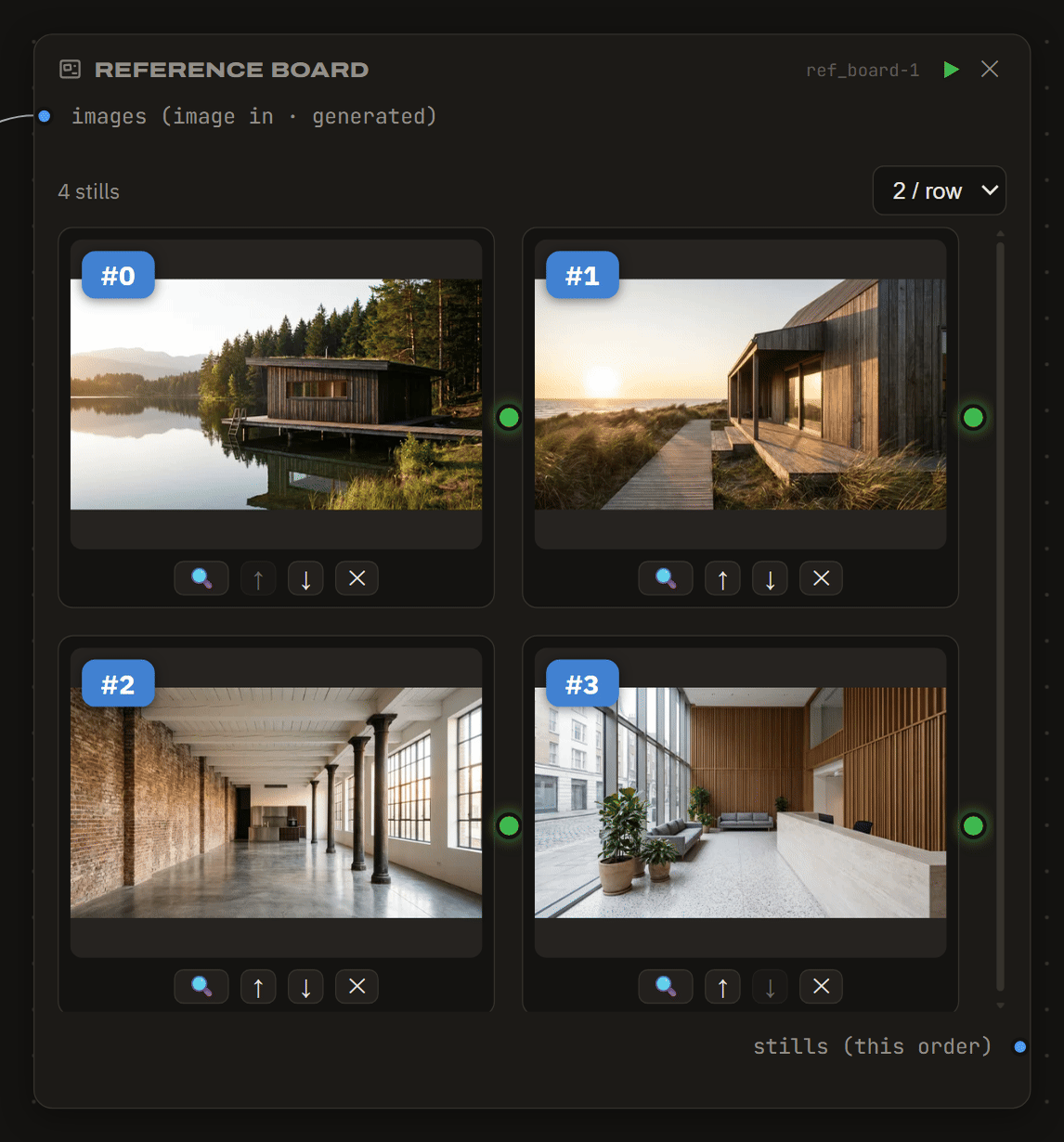
Free and local — it's just a lens on the images you already have.