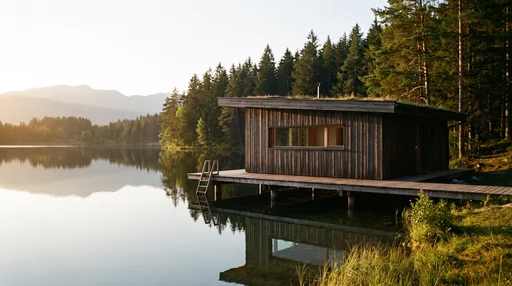
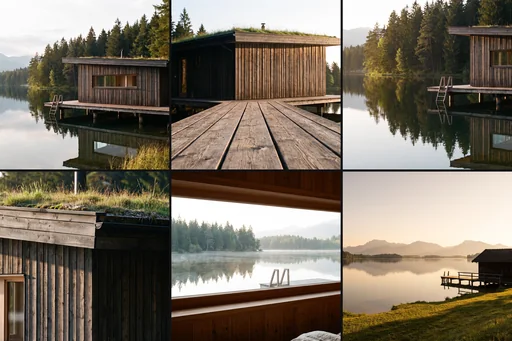
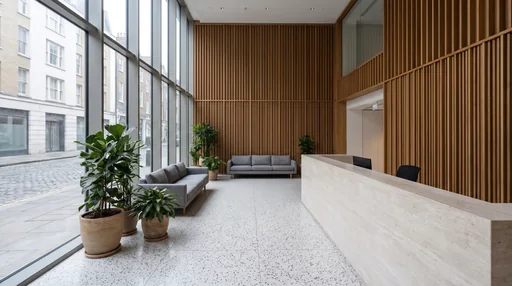
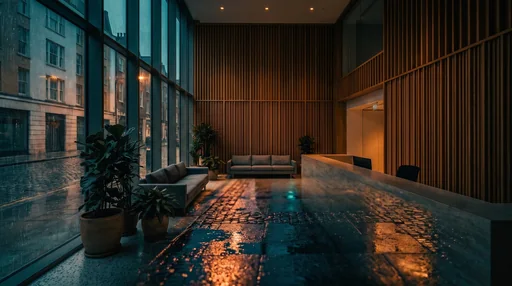
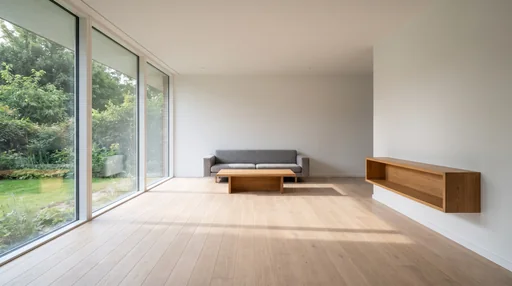
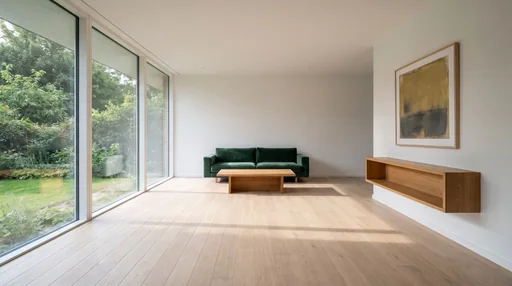
Brut ships with a small bank of ready-made workflows: chains of nodes already wired, with their prompts and models set, for the jobs that come back every week. You find them in two places: the Workflows row of the home screen, and the Library gallery (the book icon on the left rail, or File ▾ → Browse library…), on the From Brut shelf.
The cards below match exactly what drops on your canvas.
A composite drops as one closed card with a few knobs on its face: a brief, a mode, a shot count, the model of a stage. Wire your image into its inlet, set the knobs, press Run. Open the card (⤢) when you want to see or edit the nodes inside.
A template drops onto your canvas too, as a group of live nodes named after it. Nothing is hidden; edit anything.
Every image stage is set to a named model at a named size, so a workflow gives the same kind of result on every seat. Video and upscale stages ship unset: the provider choice, and its price, are yours. The card tells you when a stage still needs a pick.
Try with sample, on the workflows that ship with one, copies a sample picture into your project and drops the workflow already wired to it, with the shipped result on the card (captioned sample result) so you see what it does before paying for a run. Nothing runs until you press Run; a real run replaces the sample result.
A card glows while a stage inside it renders, like any node, and its title bar carries 🕘 (every past take of a stage) and ↻ (a fresh take of a stage); a card with several stages asks which one.
Cards whose result is a clip rest on the still they take and play the clip on hover.
Once a card has a result, its Next chips offer the workflows that usually follow: one click drops the next card beside it, wired to the result.
A dropped card is frozen at the version you dropped: it never changes under you. When Brut ships a newer version of that workflow, the card shows a small vN in the library chip; drop the workflow again to get the new recipe.
Your own saved composites and templates sit on the Yours shelf, as the same kind of cards.
The Never pay twice rule holds inside a workflow: a changed knob re-renders the stage it writes to, everything else is reused for free.
composite · Architecture · takes a clay or a viewport capture
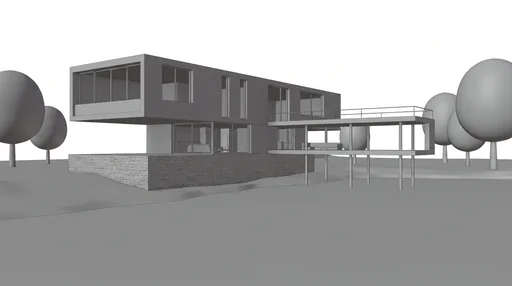
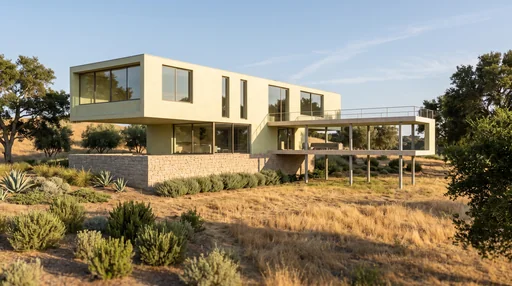
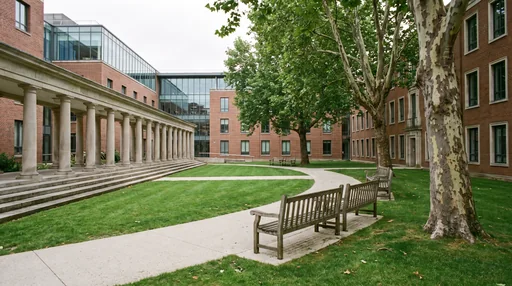
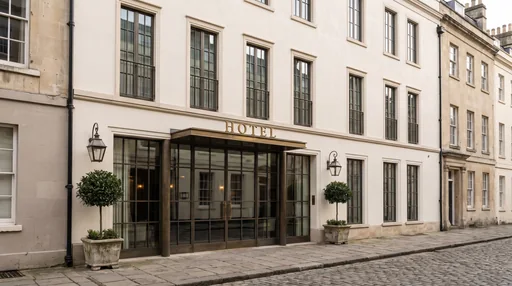
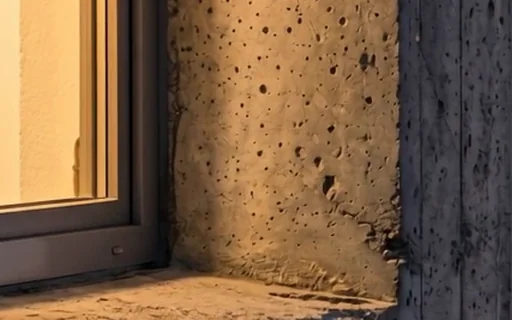
A clay or viewport capture in, a high-end architectural photograph of the same scene out. Refine writes the prompt under house rules: fidelity first, then lens, light and materials. Materials, vegetation, time of day and atmosphere are knobs. Nano Banana Pro, 2K.
Knobs
Materials
Vegetation
Time of day: dawn · morning · midday · late afternoon · dusk · blue hour · night
composite · Architecture · takes a clay or a viewport capture
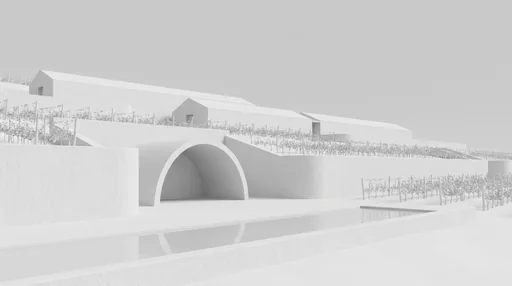
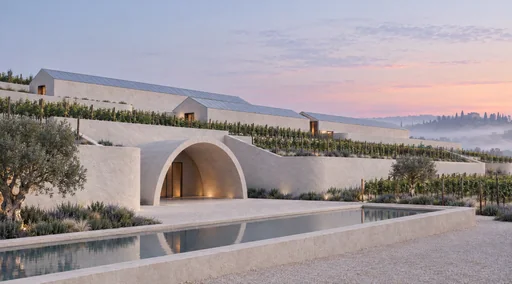
From a clay to a client set: the structured brief (materials, vegetation, time of day, atmosphere) drives the photoreal render on Nano Banana Pro at 2K, then the Multi-Shot planner explores more viewpoints. Two outputs, the photo and the sheet; wire a Shot Board from the sheet.
Knobs
Materials
Vegetation
Time of day: dawn · morning · midday · late afternoon · dusk · blue hour · night
One render in, a contact sheet of new viewpoints out: the Multi-Shot planner writes the shots for the scenario you pick (Editorial, Ballsy, Morning to Evening, Four Seasons, Dutch Masters), Nano Banana Pro renders them at 2K. Wire a Shot Board after it to keep, reject, re-roll.
Knobs
Scenario: Editorial · Ballsy · Morning to Evening · Four Seasons · Dutch Masters
A hero still into a short clip where only light and air move: eight camera moves at the speed you pick, a steady camera, a prompt refiner written for your video model that sees the still. The clip settings follow the model you pick on the card; nothing is billed until then.
Knobs
Move: push-in · pull-back · lateral track, left to right · lateral track, right to left · orbit · crane up · tilt down from the sky · static with life
Give a shot the color grade of a reference photograph. A refiner reads the reference and writes its look as instructions (palette, tone curve, contrast, light, grain), so Compose applies the grade without borrowing the reference's content. A second mode adopts its framing too.
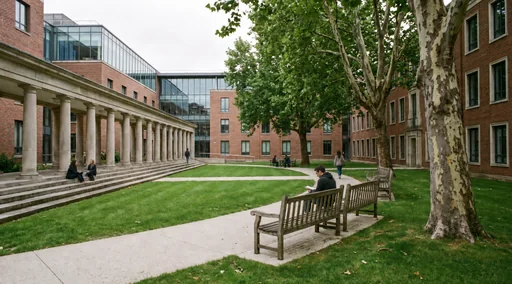
Put people into a render at true scale, where they would naturally be, doing ordinary things, nobody looking at the camera. A few, one person or a busy scene. Nano Banana Pro at 2K (it drifts least); switch to GPT Image 2 when Gemini declines faces.
People into the render, then the populated still into a short clip: one move at the speed you pick, only light and air moving, a steady camera, ambient sound. Duration, resolution, ratio and audio follow the video model you pick on the card; nothing is billed until you choose.
Knobs
Crowd: a few · one person · busy
Image model
Move: push-in · pull-back · lateral track, left to right · lateral track, right to left · orbit · crane up · tilt down from the sky · static with life
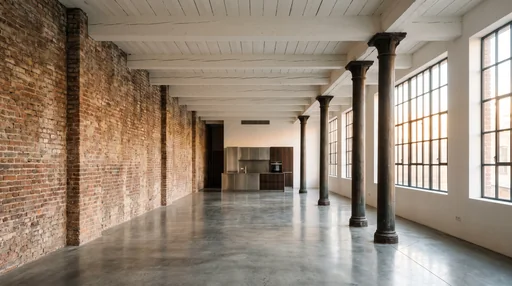
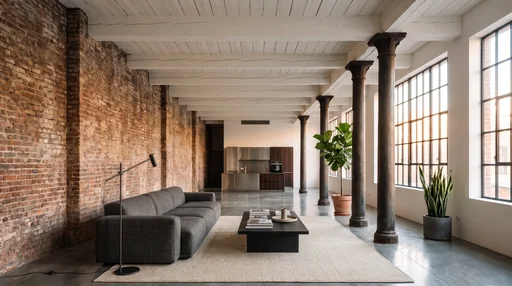
Furnish and dress a render without moving a wall: Refine writes the dressing under house rules (correct scale, the room's era and palette, never people or lettering). Wire your own furniture references in, say what you want in the brief, pick how much. Nano Banana Pro at 2K.
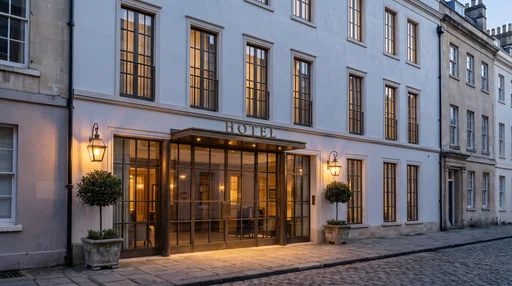
Relight a finished render to dawn, day, dusk, blue hour or night without touching anything else: same camera, same geometry, the fixtures already in the scene switch on or off. One fixed prompt per hour, Nano Banana Pro at 2K.
Knobs
Time of day: dawn · day · dusk · blue hour · night
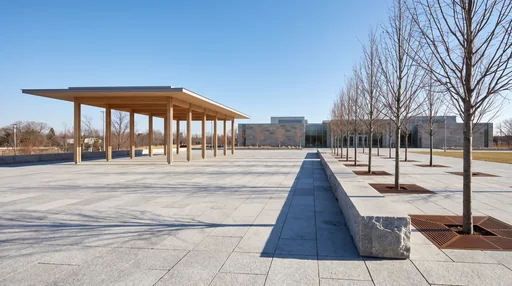
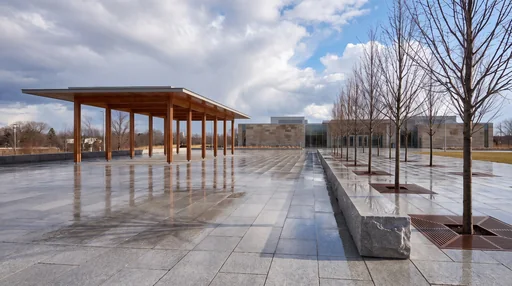
Change only the weather and the sky of a render: overcast, after rain, storm light, light snow or clear. The season and the hour stay; wet ground and softened shadows follow the new light. Nano Banana Pro at 2K.
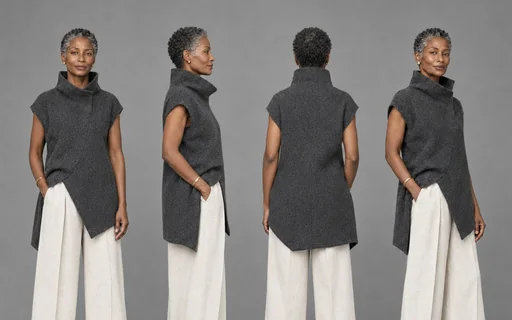
Design a character from rollouts (sex, age, ethnicity, style, clothes, a tick list of accessories), or anchor it to a character image and clothing references; then an expression grid and a 4-view turnaround. One Model knob and one Size knob set every stage.
Knobs
Sex: as the reference · woman · man · non-binary
Age: as the reference · child · teenager · twenties · thirties · forties · fifties · sixties · elderly
Ethnicity: as the reference · your pick · East Asian · South Asian · Black · Middle Eastern · Latin American · White
The clip finisher: one Upscale Video stage with the target on the card (HD, 4K, 8K on the short side), audio kept, an itemized confirm before any spend. The upscaler is yours to pick: Topaz in the cloud, or the free local Topaz Video AI when it is installed.
The film chain from your stills as one card: the Director plans the film, its proof sheet opens for your call, the Storyboard renders the keyframes, Film Shots shoots every clip, Sequence cuts it. Pinned: GPT 5.6 Terra plans, GPT Image 2.5 Flare pictures at 2K, Kling 3.0 clips.
Knobs
Brief: Signature Showcase · A Day in the Life · Mood Piece · Dynamic Reel · Cinematic Reel (flourish) · None (the stills alone)
Style: Natural Documentary · Golden Cinema · Nordic Minimal · Blue Hour Glow · Mediterranean Sun · Overcast Delicate · Mysterious Reveal · Ecstatic Life · None (the Director's call)
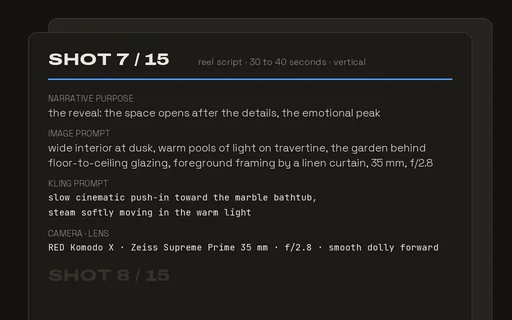
A reel script from your renders: the parameters are knobs (main images, frame, shots, length), Text → Text writes the shot-by-shot script with an image prompt and a motion prompt per shot. Wire a Text Board from the script for one editable tile per shot. The proven reel recipe.
The fix-it starter: mark what changes on the render in Annotate & Correct, run, then paint the original back in Layers wherever the model drifted; Compare and Preview show the round. Chain the next round with Correct result. Annotate on Nano Banana 2.1 at 1K.
Knobs
Plain nodes, edit freely
Models
Nano Banana 2.1 1K
## Make your own
Any chain you have tuned can become a workflow of your own. Select its nodes, Collapse to composite, and press 💾 Save to library on the card; the save dialog asks for a category from the pick list (Architecture, Characters, Cinema, Text, or one you type) and keeps the card's result as the cover. ⚙ Add knob on the card exposes an inner field on its face. A whole graph saves as a template from File ▾ → Save graph as template…. The details, ports, knobs and versions, are in Library & composites.